
This is the English reading version of the Dutch news item Verder werken aan je FreeCAD-ontwerp in Mitcad.
Last week I wrote here that Mitcad opens FreeCAD files with their feature timeline included, and that I had not yet been able to test that myself. That has now changed: I opened an .FCStd document in it and continued working on it.
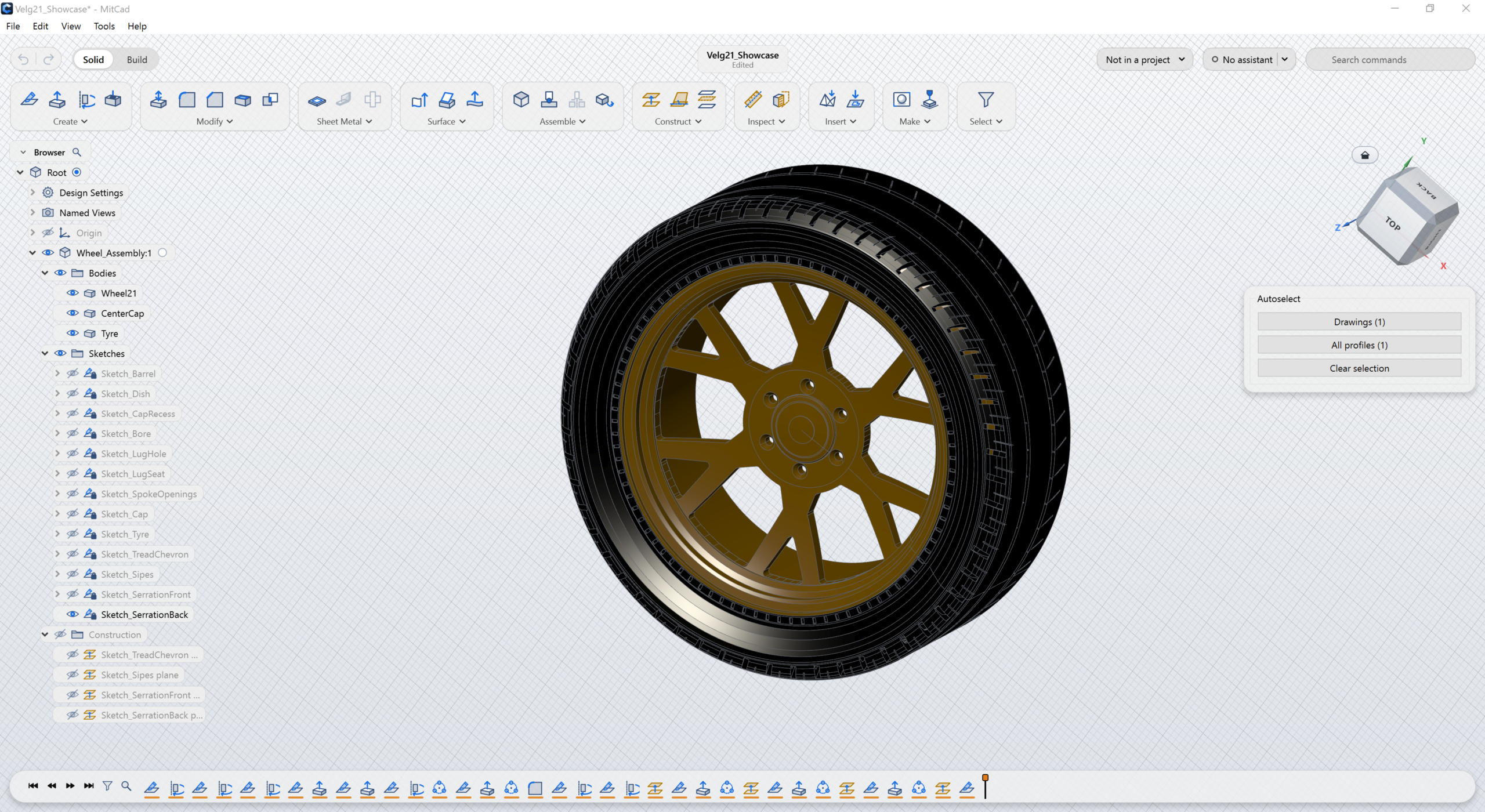
In practice, more comes across than just the shapes. The timeline arrives with the features on it, the sketches are editable with their constraints and dimensions, and spreadsheet cells and named constraints become parameters that you can change in Mitcad. So you really continue working on the design, instead of getting a dead copy. One caveat: you save your work as a .mitcad design from there on, not back as .FCStd.
I ran into bugs while testing, and they were fixed the next day. That sounds like luck, but it is the rhythm of the project: a new version comes out almost every day, and two of them were specifically about the FreeCAD import, versions 0.21.0 (FreeCAD import without fallbacks) and 0.22.0 (the last FreeCAD forms). By now version 0.32.0 is on the releases.
What struck me: the program already feels very mature for its age. The repository has only existed since early October, and it contains a complete parametric workflow with sketches, timeline and parameters. For FreeCAD users the threshold is low: if you were working in FreeCAD, you can simply continue in Mitcad.
I had a lot of trouble opening old FreeCAD files myself. Looking closer, those files were already giving error messages inside FreeCAD itself, so that was not Mitcad’s fault. Keep in mind that the error is often in FreeCAD and not in Mitcad. Though that may well be a good reason to migrate as soon as possible.
My verdict: this is exactly what I did not dare to say last week: it works. You are still tied to one program, but you can easily take your FreeCAD work with you to Mitcad. Personally, I would rather see a feature tree than a history tree in the left panel, and the history sits per assembly: as a former SolidWorks user I find that less pleasant to work with.
Mitcad is on GitHub, the website is mitcad.org.